
How To Get Delta Key
Follow this complete step-by-step tutorial to get key, and activate your Delta Executor key.
Step Get Key Delta
Follow this easy step to get and activate your delta key.
1. Open Delta Executor
Launch Delta Executor and wait for Delta to load.
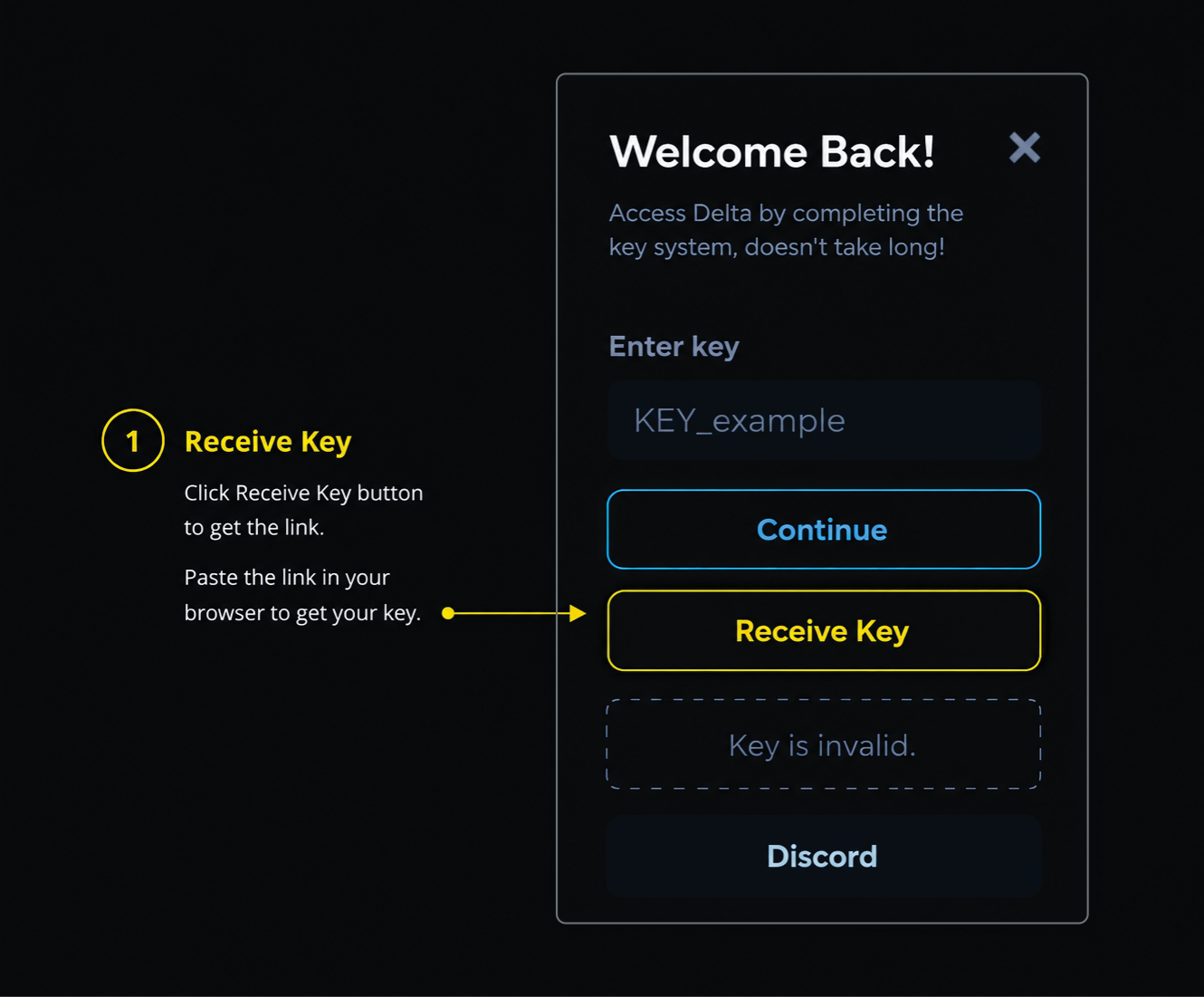
2. Click the Receive Key button
If the browser does not open automatically, paste the copied link into your browser manually.
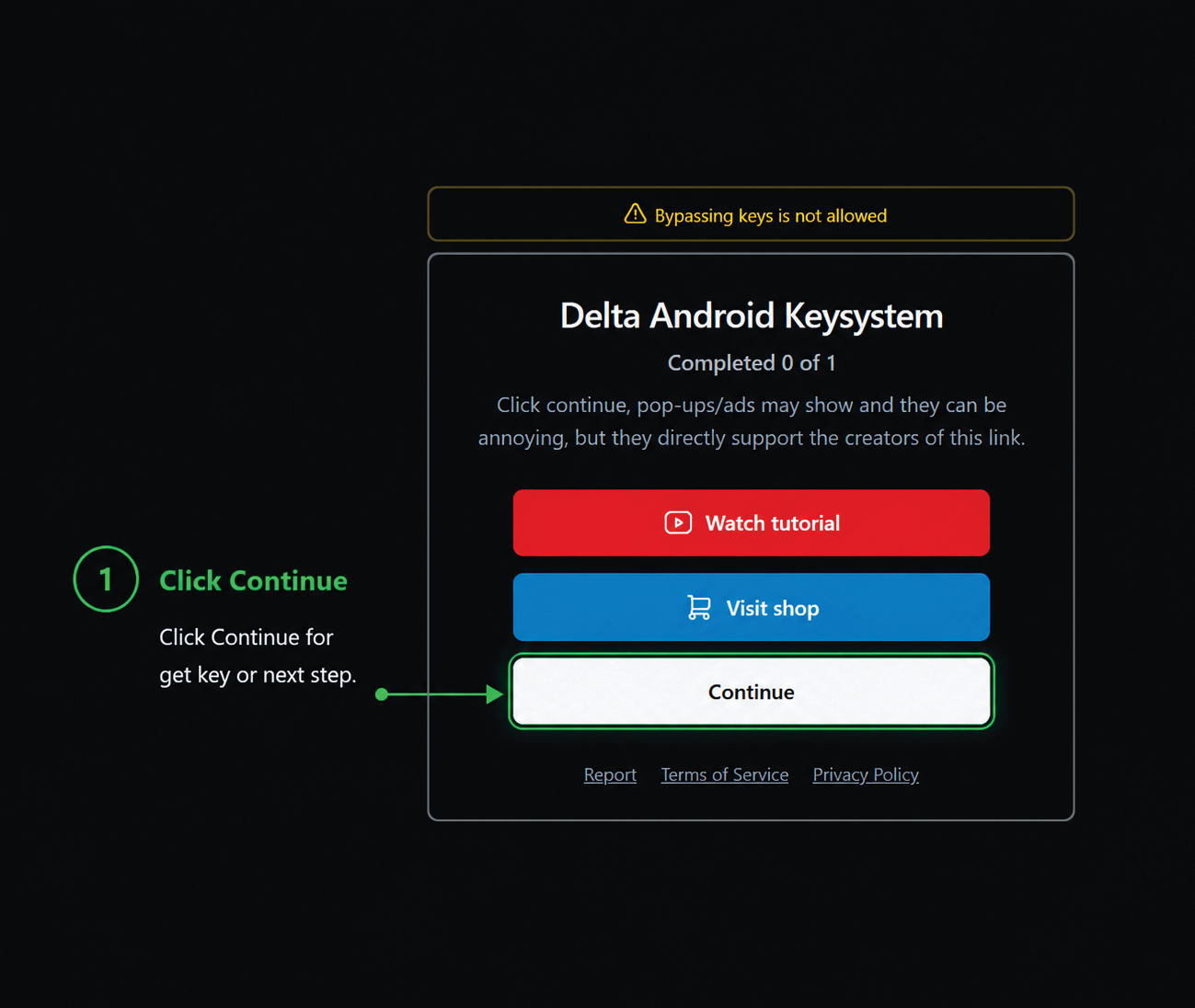
3. Click Continue
After the key page opens, click Continue to start the task.
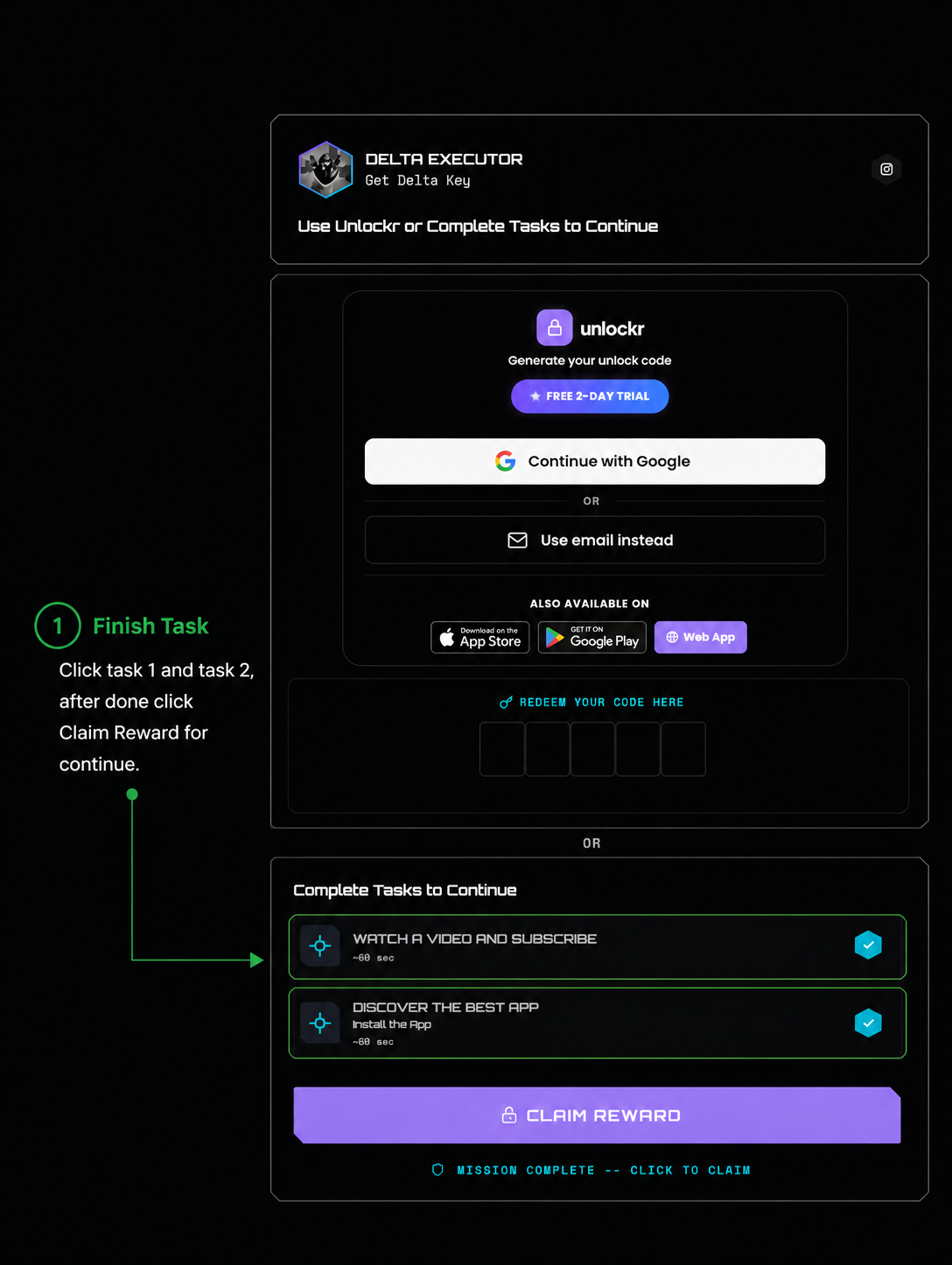
4. Complete Task 1 & Task 2
Click Task 1 and Task 2 one by one. A new tab may open. Close the tab and wait until the verification is completed. After both tasks are completed successfully, click the Claim Reward button.
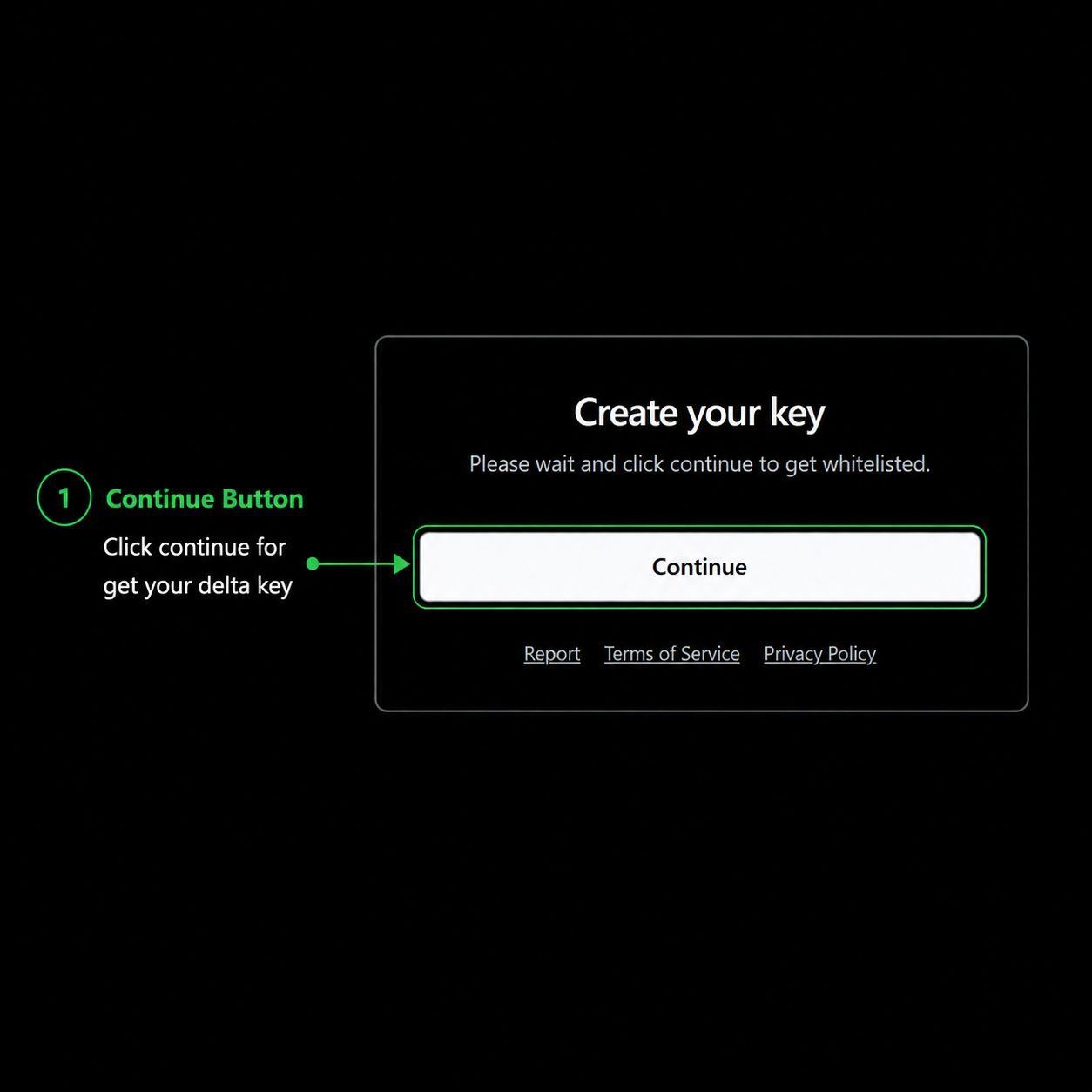
5. Click Continue
Click Continue to generate your key.
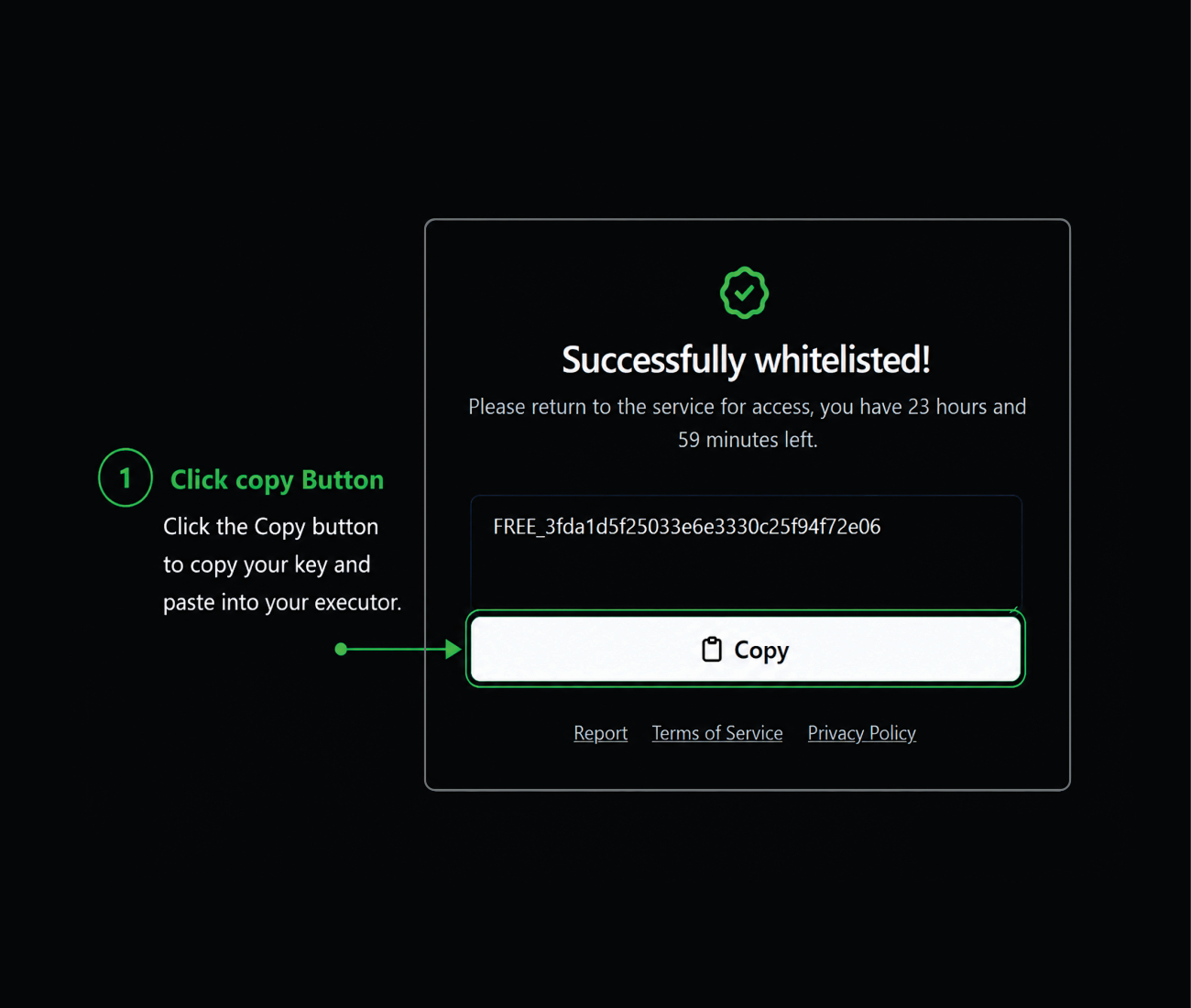
6. Copy Your Key
Click the Copy button to copy the key to your clipboard.
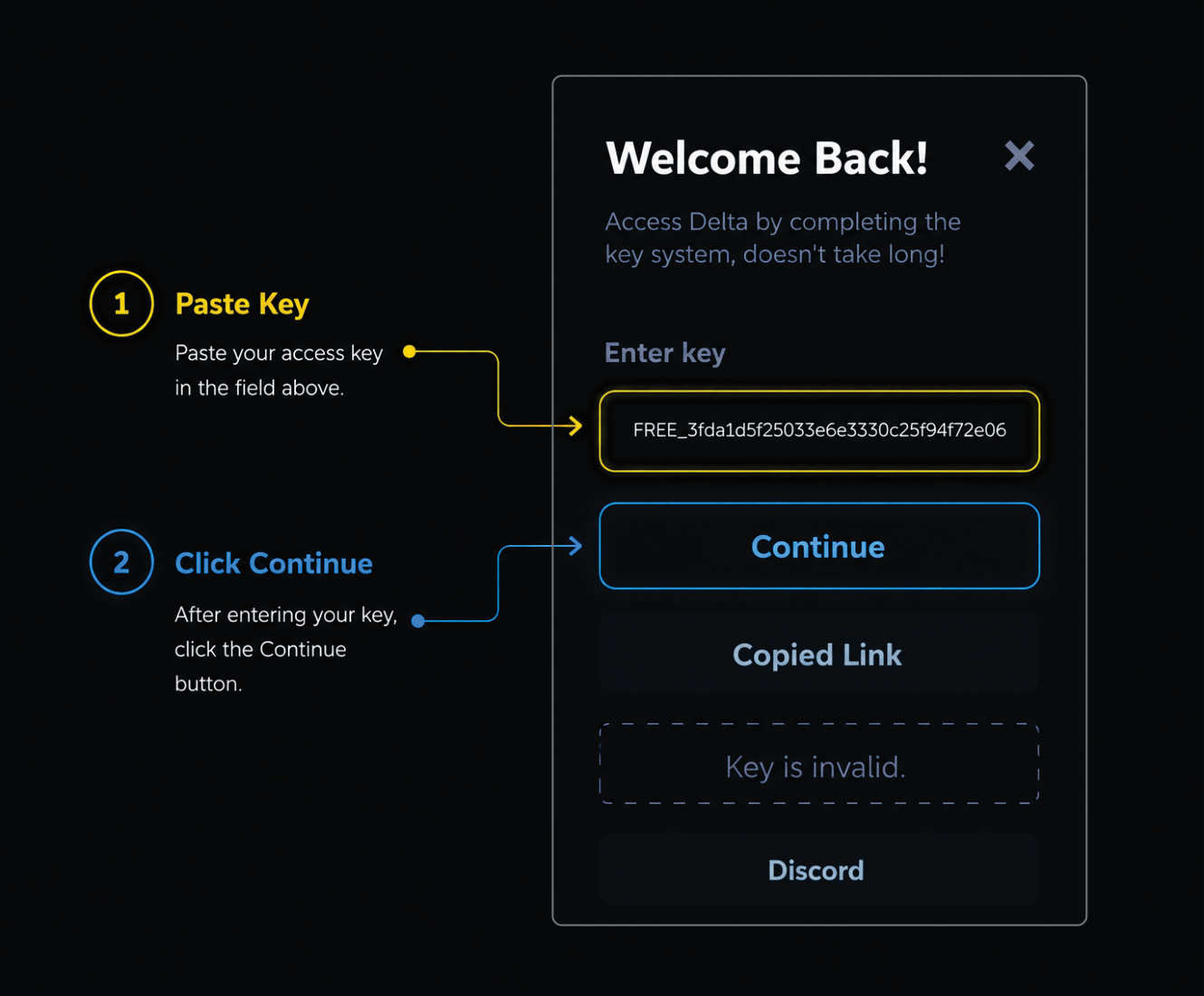
7. Paste Key Into Delta
Return to Delta Executor and paste your copied key into the Enter Key field.
8. Activate Delta
Click Continue to activate your key and unlock Delta Executor.
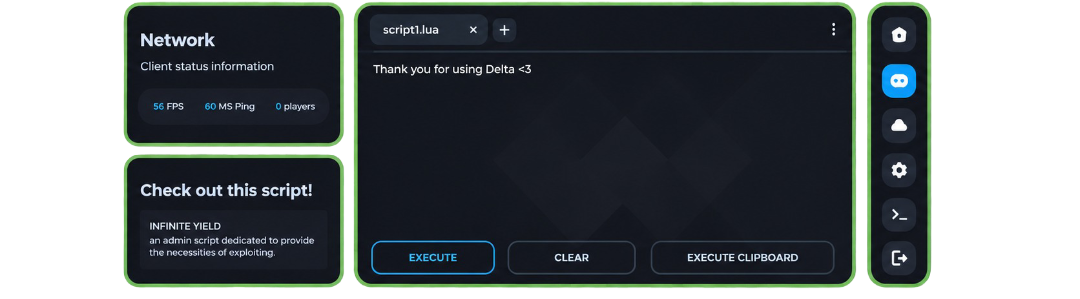
🎉 Delta Activated Successfully
Your Delta key is now activated successfully. You can now use Delta Executor and enjoy all available features.
Important Tips
- Delta keys active for 24 hours.
- Use the latest Delta version.
- Copy the entire key before leaving the page.
- Tutorial for Mobile & Emulator.
- If verification fails, restart the process from Step 1.
- Do not refresh the key page during verification.
- Complete Task 1 and Task 2 in order.